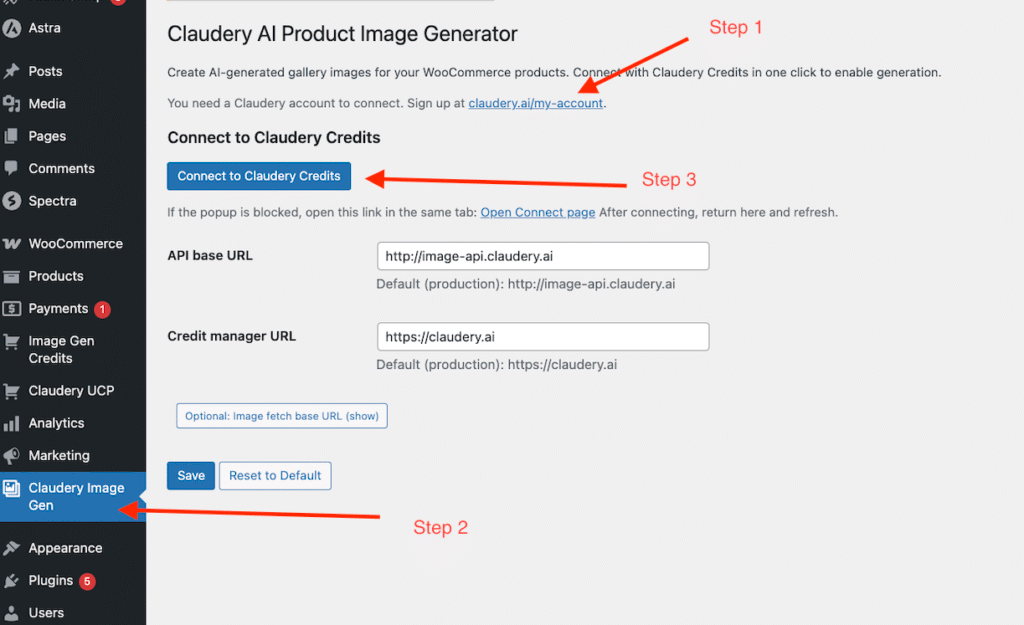
How to set up Claudery AI Product Image Generator
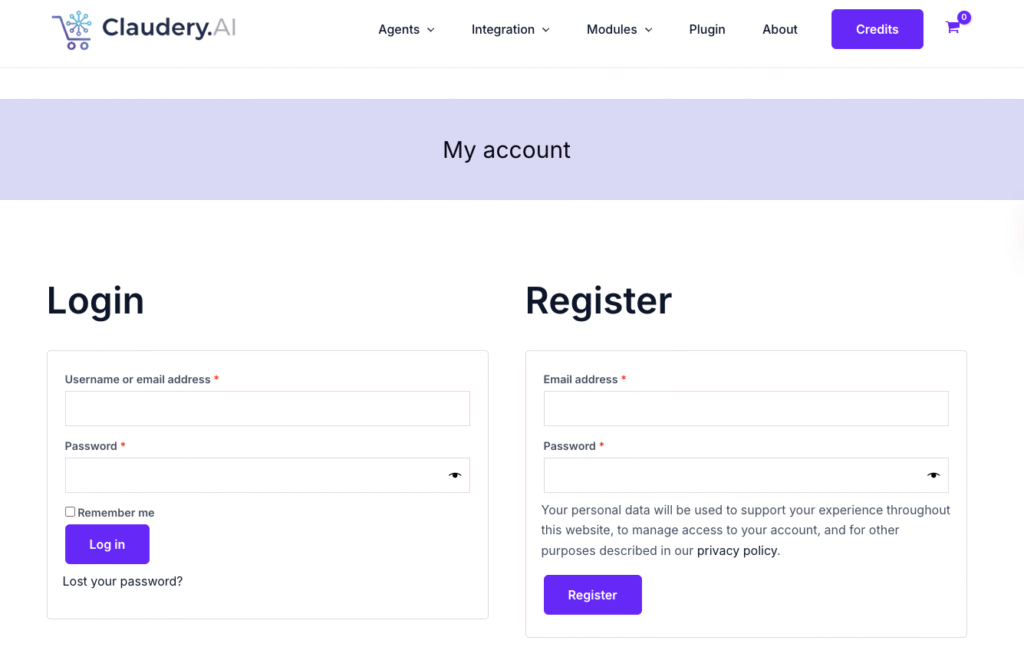
1. Sign up for an account at Claudery.ai via https://claudery.ai/my-account/
Create an account at claudery.ai (e.g. via My account or the sign-up link). You’ll use this account to hold credits and manage connected stores
2. Download the Claudery AI Product Image Generator plugin from claudery.ai (use the “Download Free Image Generator Plugin” button to get the ZIP below). In your WordPress admin, go to Plugins → Add New → Upload Plugin, choose the downloaded ZIP file, then click Install Now. After the upload finishes, click Activate to turn the plugin on. You’ll see Claudery Image Gen in the admin menu; go there and click Connect to Claudery Credits to link your store to your Claudery account so you can start generating Scenes, Swatches, and 3D Rotatory images from any product edit screen.
3. Connect your store to Claudery Credits – In your WordPress admin, go to Claudery Image Gen in the menu and click Connect to Claudery Credits. Approve the connection in the window that opens (on claudery.ai), then close it. Your site is then linked to your Claudery account and you can generate images from the product edit screen.