
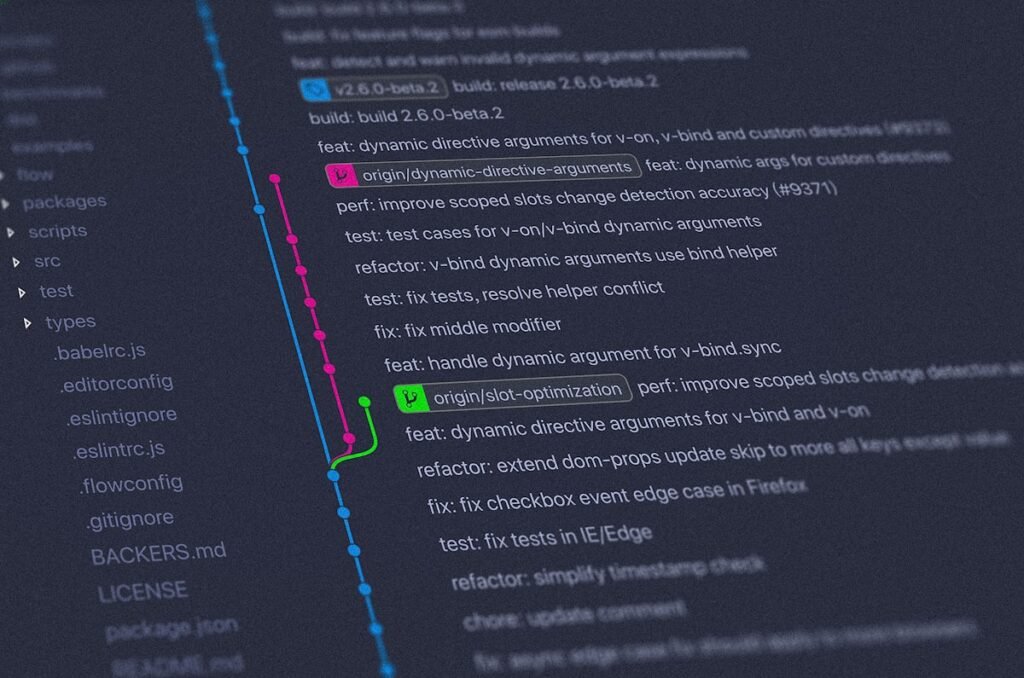
Claude Code has just received a significant update: native, built-in Git Worktree support. Multiple Agents can now run completely in parallel without interfering with each other — each one operating inside its own dedicated, isolated workspace.
This feature was previously available in the Claude Code desktop application, and has today been officially extended to the command-line (CLI) environment as well.
What Is Git Worktree?
Git Worktree is a powerful but often overlooked Git feature that allows you to check out multiple branches of the same repository simultaneously into separate directories. Instead of switching branches and potentially disrupting work in progress, each worktree is a fully independent working environment — same repository, completely separate state. You can learn more about the underlying mechanics in the official Git Worktree documentation.
Here’s a Breakdown of Everything New in This Update
1. One-Flag Isolated Environments in the CLI
In the command line, simply launch Claude Code with the --worktree flag to have it run inside a dedicated Git workspace. You can name the workspace yourself, or let Claude name it automatically. This mechanism allows multiple parallel Claude Code sessions to run against the same Git repository simultaneously — completely eliminating code modification conflicts when running concurrent tasks. You can also add the --tmux flag to launch Claude directly inside a dedicated Tmux session.
2. A Visual Toggle in the Desktop App
If you prefer not to work in the terminal, the desktop application now makes this just as easy. Navigate to the Code tab and check the Worktree Mode checkbox to enable it. That’s all it takes. You can find the desktop quick-start guide here.
3. Sub-Agents Get Worktree Isolation Too
Sub-Agents now also leverage the worktree isolation mechanism to handle more parallel tasks. This is particularly valuable when dealing with large-scale batch modifications or code migration work. Simply instruct Claude to use worktrees for its Agents, and the capability activates.
4. Full Ecosystem Coverage
This feature is now available across the entire Claude Code ecosystem: CLI, desktop app, IDE extensions, web interface, and the Claude Code mobile app.
5. Default Isolation for Custom Agents
You can configure custom sub-Agents to always run inside their own worktree. The setup is straightforward — simply add isolation: worktree to the Agent’s frontmatter configuration, and it will always spin up in an isolated environment by default.
6. Full Compatibility with Non-Git Version Control Systems
For teams using Mercurial, Perforce, or SVN, this update has you covered too. By defining worktree hooks, non-Git users can take full advantage of the code isolation benefits that this feature brings.
Why This Matters
One of the most practical challenges with running multiple AI coding agents simultaneously has always been the risk of conflicting changes — two agents touching the same files, overwriting each other’s work, or creating messy merge conflicts. Native Worktree support solves this cleanly at the infrastructure level, without requiring developers to design elaborate workarounds.
For teams working with Claude Code on complex, multi-stream projects, this is a meaningful step forward. Parallel agent workflows are now a first-class, reliable feature rather than an experimental edge case.
Originally reported in Chinese. Translated and adapted by Claudery AI.

